VPN for Android TV
-
Connect Android TV with a compatible app.
-
Import your XPNet subscription and choose a location.
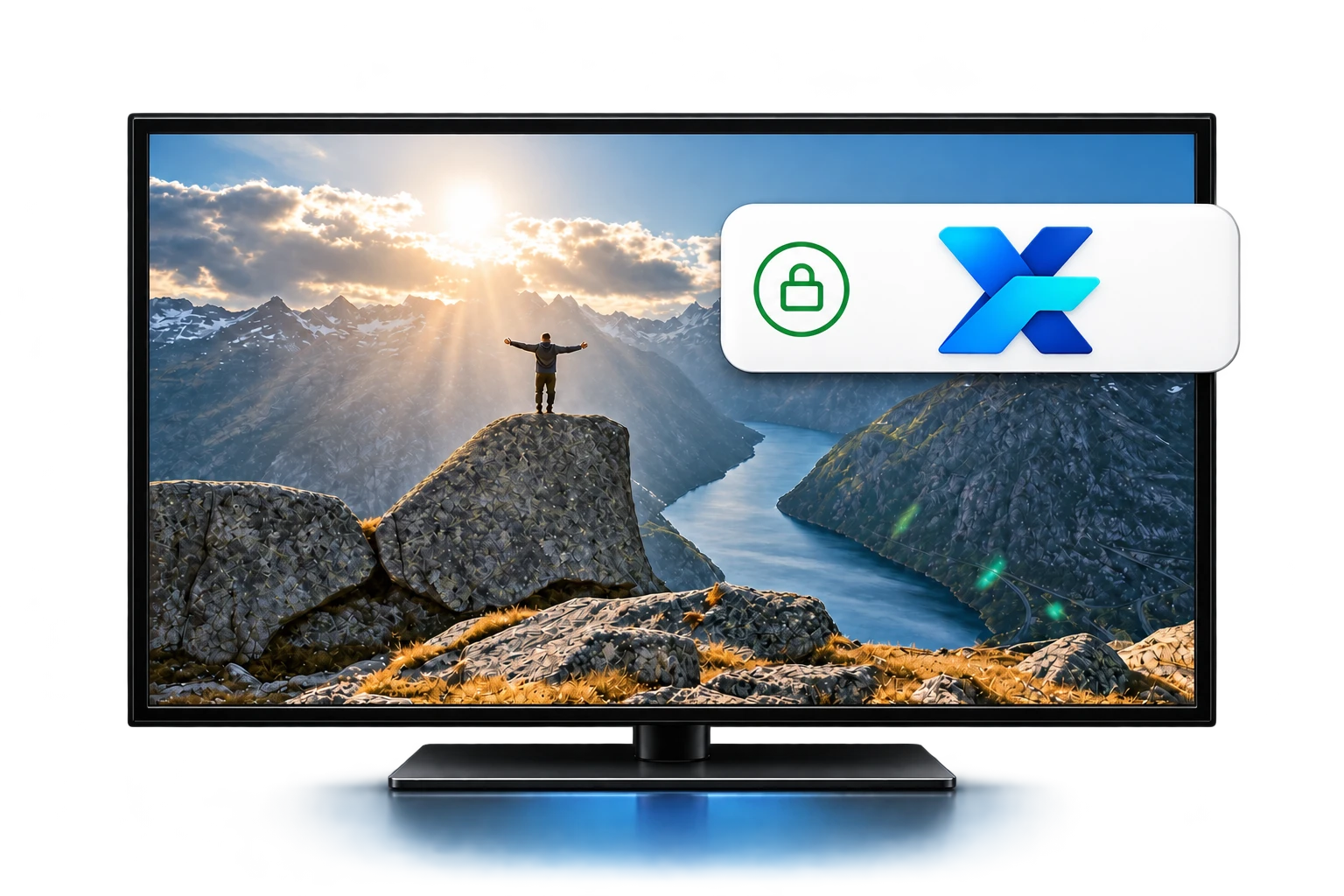
How XPNet works on Android TV
Watch films, series and live streams on Android TV through your chosen VPN location. XPNet encrypts the connection to the server and does not cap traffic.
Access to AI services
Use ChatGPT, Claude and Gemini on your phone or computer with the same XPNet subscription. Secure access beyond IP-based regional restrictions. AI subscriptions are separate.




Connect on Android TV, step by step
Install the app
Support depends on the device model and OS version. Check the app requirements before installing.
Add your subscription
Your subscription link is in your account. Copy it and import it into a compatible app.
Connect
Choose a server and connect. Approve the system permission prompt if it appears.
XPNet benefits on Android TV
Locations in 35+ countries




Choose a server in the app and switch whenever you need a different route.

Privacy on the big screen
Video services see the chosen VPN server’s IP instead of your home network’s address. This helps keep your original IP private while watching through VPN.

A route for comfortable viewing
Choose a suitable server for films and live streams. If video loads slowly, compare locations: speed depends on your network, distance and server load.
Protect your connection
A VPN encrypts the connection between your device and the server. Connect at home, while travelling and on public Wi-Fi.

Easy control with your remote
After initial setup, open the app on Android TV, choose a server and turn on VPN. Switch locations directly on your TV screen.

XPNet vs a standard connection
Without VPN
With XPNet on Android TV

Connection region
Your provider’s region
Your chosen server’s location

Shared-network protection
Depends on the website and app
An additional protected channel

Traffic encryption
No dedicated VPN tunnel
Encryption to the VPN server

IP address privacy
Websites see your original IP
Websites see the VPN server’s IP

YouTube and video services
Access from your own network
Access from your chosen location

Connection route
Through your provider’s network
Choose an alternative VPN server
This comparison applies to traffic routed through the VPN. HTTPS encrypts connection contents even without a VPN; cookies and signed-in accounts can still identify you. Video services determine their catalogues and access, while speed depends on the network and server.
VPN for films, live streams and the big screen
Watch your favourite videos on Android TV through your chosen VPN location. XPNet hides your original IP from the video service for VPN-routed connections and does not cap traffic.
Install a compatible app on your TV or streaming device, add your subscription and choose a server. If no app is available, support can help check the router option.
Choose a suitable route for viewing. Content availability and VPN rules are determined by the video service.