Use XPNet with Edge
-
Use Edge with a compatible VPN app.
-
Connect the app to XPNet before opening your browser.

Why choose XPNet for Edge
Use your familiar browser with extra connection protection. Connect XPNet through a compatible app for your operating system.
Privacy without data caps
For VPN-routed connections, websites see the chosen server’s IP. Work in Edge, watch videos and download files: XPNet does not cap your traffic.
Try it without a bank card
Get one day free, with no bank card required. Check your account for eligibility.
Access to AI services
ChatGPT, Claude and Gemini for work, learning and ideas. Secure access beyond IP-based regional restrictions. AI subscriptions are separate.



Connect on Edge, step by step
Install a compatible app from its official source, add your XPNet subscription and choose a server.
Install the app
Support depends on the device model and OS version. Check the app requirements before installing.
Open your account
Sign in to XPNet and open your subscription.
Add your subscription
Your subscription link is in your account. Copy it and import it into a compatible app.
Connect
Choose a server and connect. Approve the system permission prompt if it appears.
XPNet benefits on Edge
A connection for work, staying in touch and your favourite services, at home or on the go.

Locations in 35+ countries




Choose a server in the app and switch whenever you need a different route.

A connection mode for your needs
Choose an available routing mode in your compatible app. Settings depend on the client; support can help route the connections you need through VPN.

Protect your connection
A VPN encrypts the connection between your device and the server. Connect at home, while travelling and on public Wi-Fi.

Unlimited traffic
We do not cap your traffic. Watch videos, download files and work with your VPN without counting gigabytes.
XPNet benefits for Edge
Start with a trial day, then choose the subscription duration and device count in your account.
Try it first
Get one day free, with no bank card required. Check your account for eligibility.

Your personal VPN access
Your subscription link is in your account. Copy it and import it into a compatible app.
Unlimited traffic
We do not cap your traffic. Watch videos, download files and work with your VPN without counting gigabytes.

Your browser, an easy connection
After initial setup, turn on VPN in the app with one tap. Your Edge bookmarks, tabs and familiar tools stay at hand.
Your IP stays behind the VPN server’s address
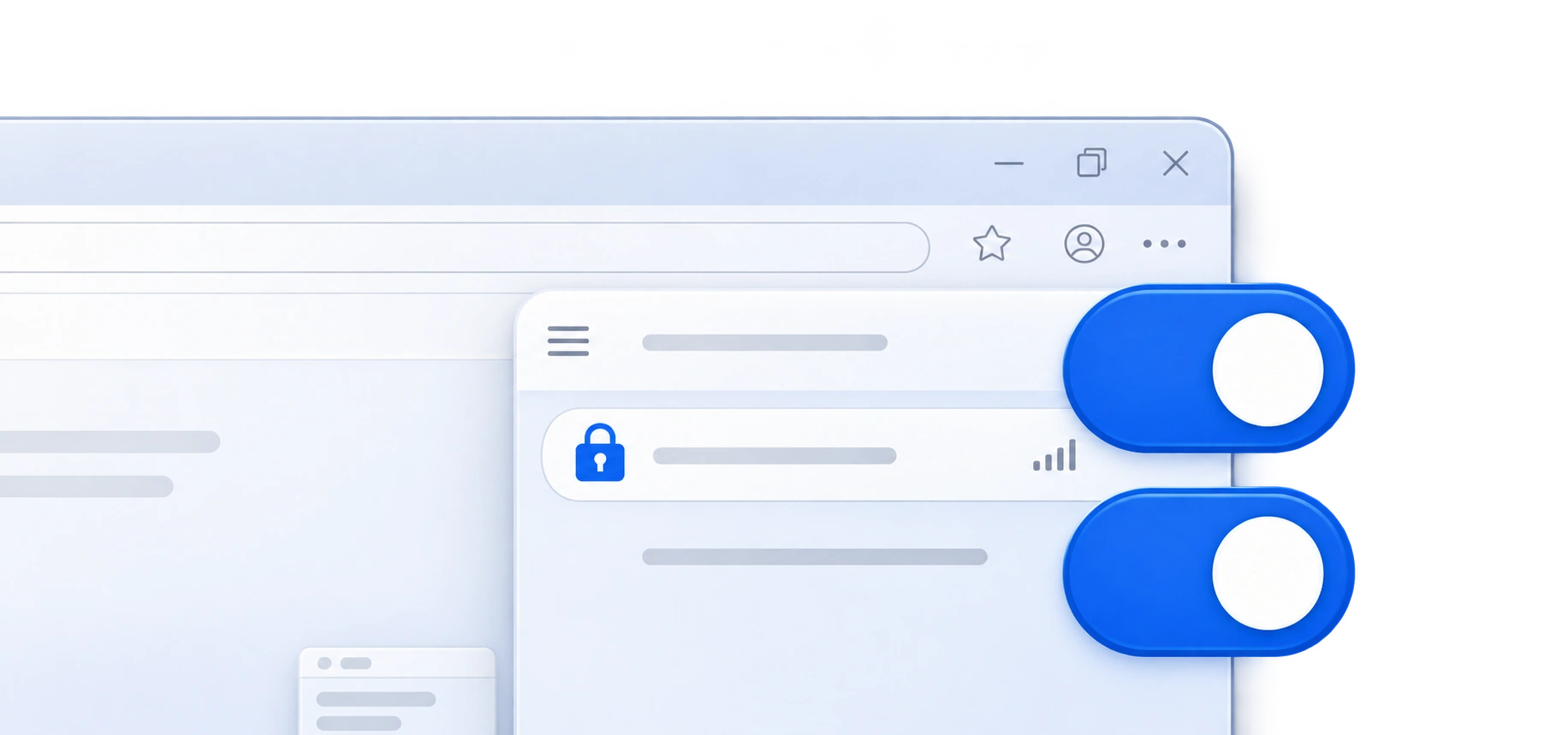
When connected through VPN, websites in Edge see the chosen server’s IP instead of your original address. Traffic to the VPN server is encrypted. XPNet’s privacy policy explains how data is processed.