
Connect through 35+ countries
Choose a location in the app and try it on your network.
For work, AI, gaming and chat
For you: 3 days free
No card required
Save what matters to you.

Choose a location in the app and try it on your network.
New users get 1 day free. Trial eligibility is checked in your account.
Connect your phone and computer. If you need more devices, choose the number when you buy.
Find apps and setup guides for iOS, Android, Windows, macOS and Linux on our website.
No automatic charges. You choose when to renew and for how long.
Your personal subscription link holds your connection settings. Device instructions are on the website.
Your account keeps your subscription, devices and transaction history in one place.
One trial day without a card. No automatic charges.
Connection help through the bot and support tickets.
 No card required
For work, AI, gaming and chat
iOS, Android, Windows, macOS, Linux
Several devices. One subscription.
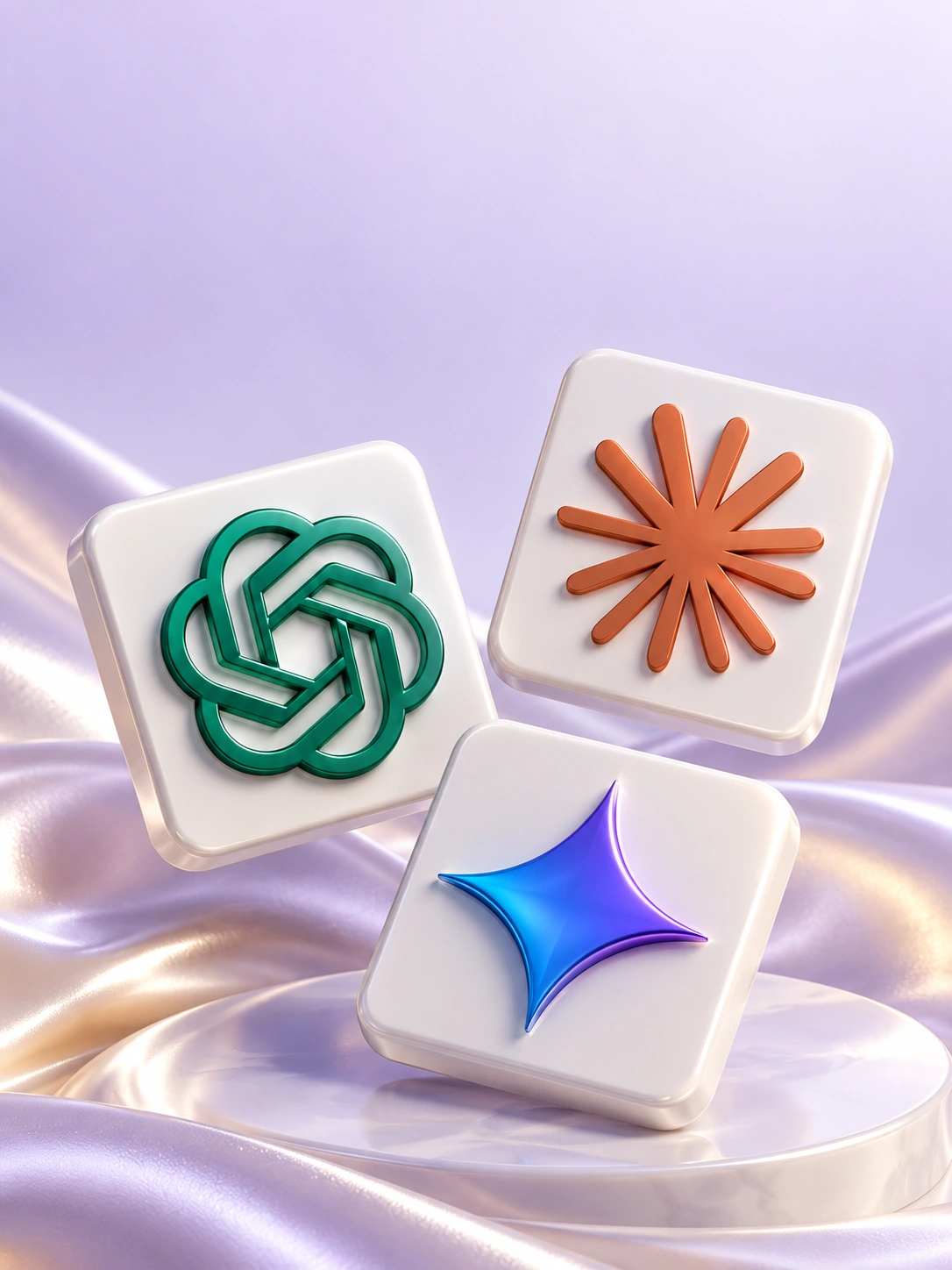
Get unrestricted access to blocked ChatGPT, Claude and Gemini for vibe coding, learning and work.
Learn more
Watch your favorite creators on YouTube, follow channels and chat on Telegram with your VPN connected.
Learn more
Every day, including weekends. Get help connecting: start with the bot’s tips or send a support request.
Learn more
Invite friends to XPNet and earn rewards on their top-ups under the programme terms.
To get started
Share your referral link with friends

Your rate depends on your programme level. Find terms, progress and earnings in your account.
Select “Try 3 days free” and confirm your sign-in or registration. If you have no subscription and haven’t used a free trial before, a 72-hour subscription will appear in your account. No card is required and there are no automatic charges.
Choose a plan, enter your email and pay. Once payment is confirmed, find your connection link in the email or your account. In Downloads, select your device, install the app and import that link.
5 devices are included. You can increase the limit at checkout; additional devices are included in the total before payment. Manage connected devices and the limit in your account. Keep your personal subscription link private.
Yes, if the device supports a compatible VPN app or protocol. For Android TV and Apple TV, see the instructions in Downloads. Router support depends on the model and firmware. Send us the model name so we can help check compatibility before setup.
Buy a subscription on the website or in your account. Checkout shows the available methods and total. Your account also lets you top up your balance and renew. The status updates after the payment provider confirms payment.
There are no automatic charges. The duration and price are shown before purchase. To renew, choose another period and confirm payment.
First, check your regular internet connection and subscription expiry date. Then refresh the subscription in the app and try another location. If that does not help, tell us your device, app and error message. Do not post passwords or your personal connection link in public chats.